1. INTRO: THREATHUNTING ACADEMY - EVASION
DISCLAIMER: This training is copyright (c) 2025 of Vanguard Security, all information and tools provided are intended for educational purposes only. Performing hacking attempts on computers that you do not own (without permission) is illegal! Do not attempt to gain access to device that you do not own.

Welcome to the "Threathunting Academy - Evasion" this is the official lab guide that will guide you through the infrastructure. Students will all have their own Windows 10 client machine, and a Kali Red Team server.
IMPORTANT: Do not submit any code/samples to public virus-scanning services (Virus Total, Online Sandboxes,... ) - doing so will only make our life harder, as they will simply create a static signature, and we'll then have to evade that, rewrite the training, make new screenshots for something trivial.
What you will learn in this training:
- How attack frameworks work
- AV and EDR internals and how to evade them
- Windows Defender, AMSI and ETW basics and evasion
- PowerShell based attacks (in-memory)
- How signature based detection works and how to evade
- What Shellcode is, how to build and use shellcode
- Build your own evasive shellcode loader
- Build your own Forensics Lab
In this training we'll be using an Administrator account, although this training is not about privilege escalation, we will demonstrate how you can elevate a regular user to an Admin/System user, we'll start with a few labs doing just that. With that (privesc) out of the way we'll run all other labs with an admin user.
At the End of this training
- You will know how to set up your own malware analysis lab
- Have learned how privilege escalation, persistence, code-execution, evasion and other techniques work.
- Modify existing attack tools to bypass defenses
- Learn how to analyze malware (static/dynamic)
- Work with attack frameworks, customize them with your own toolset and apply evasion techniques
- Build your own evasive
shellcode loaderusing memory injection, remote payloads, obfuscation, encryption and other evasion techniques - Understand how AV/EDR solutions work, where their telemetry comes from and how to bypass
1.1 RECOMMENDED BOOKS
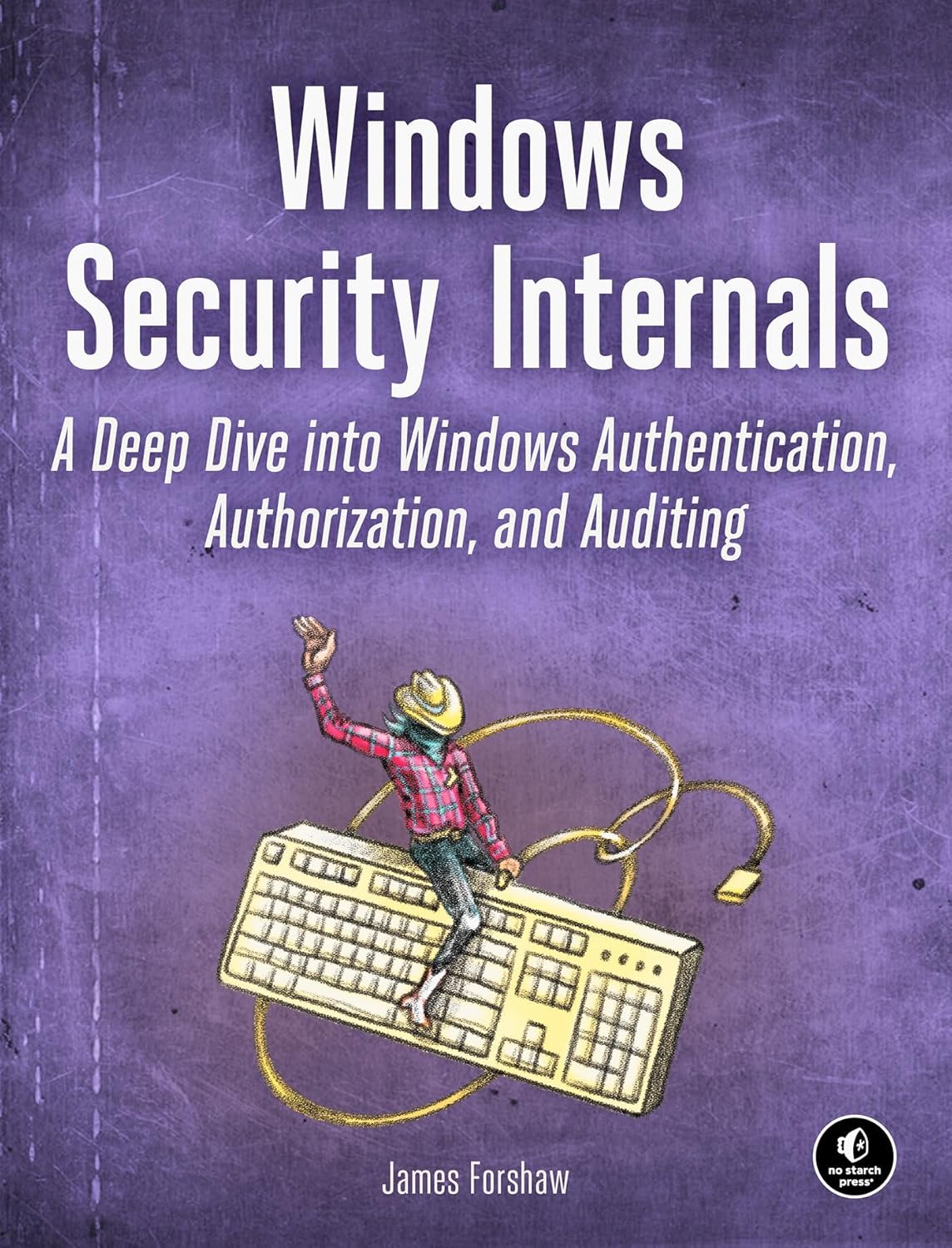
|
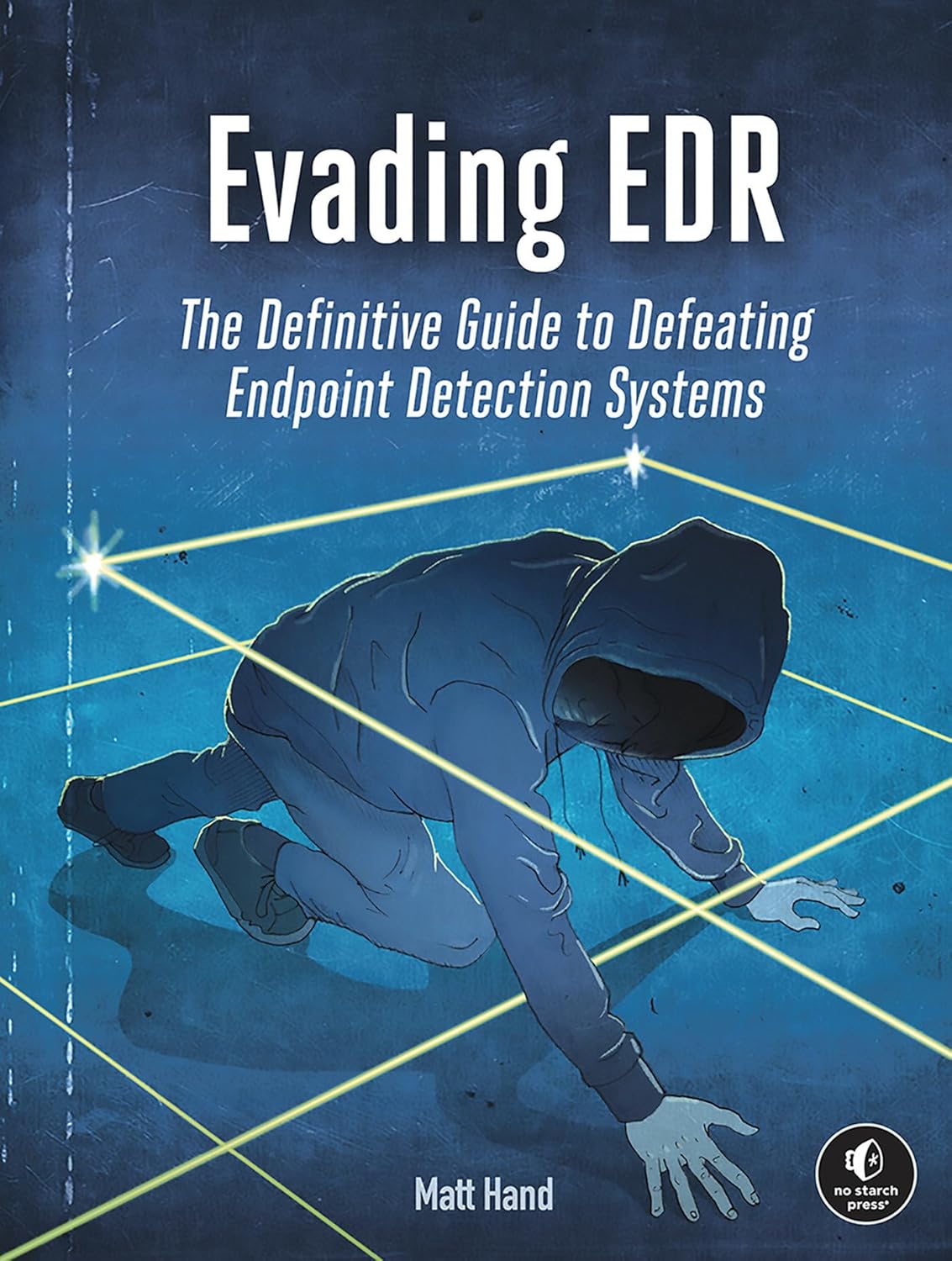
|
1.2 THE DIFFERENCE BETWEEN DETECTION RULES AND THREATHUNTING RULES
-
Threathunting rules: Threathunting rules are not the same as detection rules. A detection rule needs to be robust and trigger as few false positives as possible, especially when used for alerting (alert fatigue). Threathunting rules are hypothesis based detections looking for potential TTP's and to pro-actively find specific behaviours in your environment
-
Detection rules: are typically used in SIEM, EDR, or IDS solutions and are designed to identify malicious activities that match known patterns or IOCs. For example, a detection rule might flag any authentication attempt from a blacklisted IP address or a known malware hash.
| Aspect | Detection Rules | Threat Hunting Rules |
|---|---|---|
| Approach | Reactive | Proactive |
| Purpose | Detect known threats automatically | Seek out unknown or hidden threats manually |
| Rule Basis | Predefined signatures, indicators of compromise (IOCs) | Hypothesis-driven, based on tactics and behaviors |
| Automation | Highly automated (alerts are generated automatically) | Requires human analysis and interpretation |
| Focus | Specific artifacts: matching concrete patterns or indicators | Suspicious behaviors, anomalies, potential gaps in existing detections |
| Outcome | Triggers alerts for immediate investigation | Generates new hypotheses, refines detection capability, identifies detection gaps |
| Tools | Mainly SIEM, EDR, IDS systems plugging in detection content | Uses the same data/tools but with flexible, creative queries |
| Human Involvement | Low to moderate (mainly to triage/validate alerts) | High (analyst interpretation essential) |
1.3 THREAT HUNTING VS INCIDENT RESPONSE
-
Threat hunting is often described as "incident response without the incident" — a proactive, human-driven activity aimed at uncovering threats that automated detections may miss.
-
During active incidents, threat hunters assist the incident response process by:
- Identifying the full scope and impact of an intrusion.
- Discovering indicators of compromise (IOCs), suspicious behaviors, and signs of attacker dwell time.
- Formulating and testing hypotheses about adversary behavior within the environment.
Application in Incident Response
In incident response, the use of threat hunting rules provides several key advantages:
- Guide the investigation: Rules or hypotheses can focus efforts on likely compromise areas.
- Uncover hidden elements: Reveal lateral movement, persistence mechanisms, or attacker-controlled infrastructure.
- Accelerate forensics: Fuel forensic efforts with behavioral and contextual intelligence from threat hunting activities.
Collaboration Between Hunting and Response
- Threat hunting results are often fed into the forensic analysis process — helping create timelines, understand the attack chain, and establish root cause.
- Hunting during an incident enables fast, hypothesis-driven iteration to rapidly contain and mitigate threats.
Summary
-
Proactively: Threat hunting helps detect threats before an alert is triggered.
-
Reactively: In an incident, threat hunting rules support forensics and incident response by:
- Adding context
- Guiding workflows
- Identifying gaps in initial findings
Conclusion: Threat hunting rules are critical tools both before incidents occur (to uncover hidden threats), and during/after incidents (to support forensic investigations and improve incident response). They provide context, speed, and depth that traditional detection tools may miss.